 TeddyGreenFingers
The garden app that does the remembering
What's planted where. What needs doing this morning. What the garden can feed you tonight. TeddyGreenFingers keeps track of all of it — and never makes anything up.
Free · Balcony, backyard or allotment · No ads, no tracking · English & Português · Works offline · iPhone later

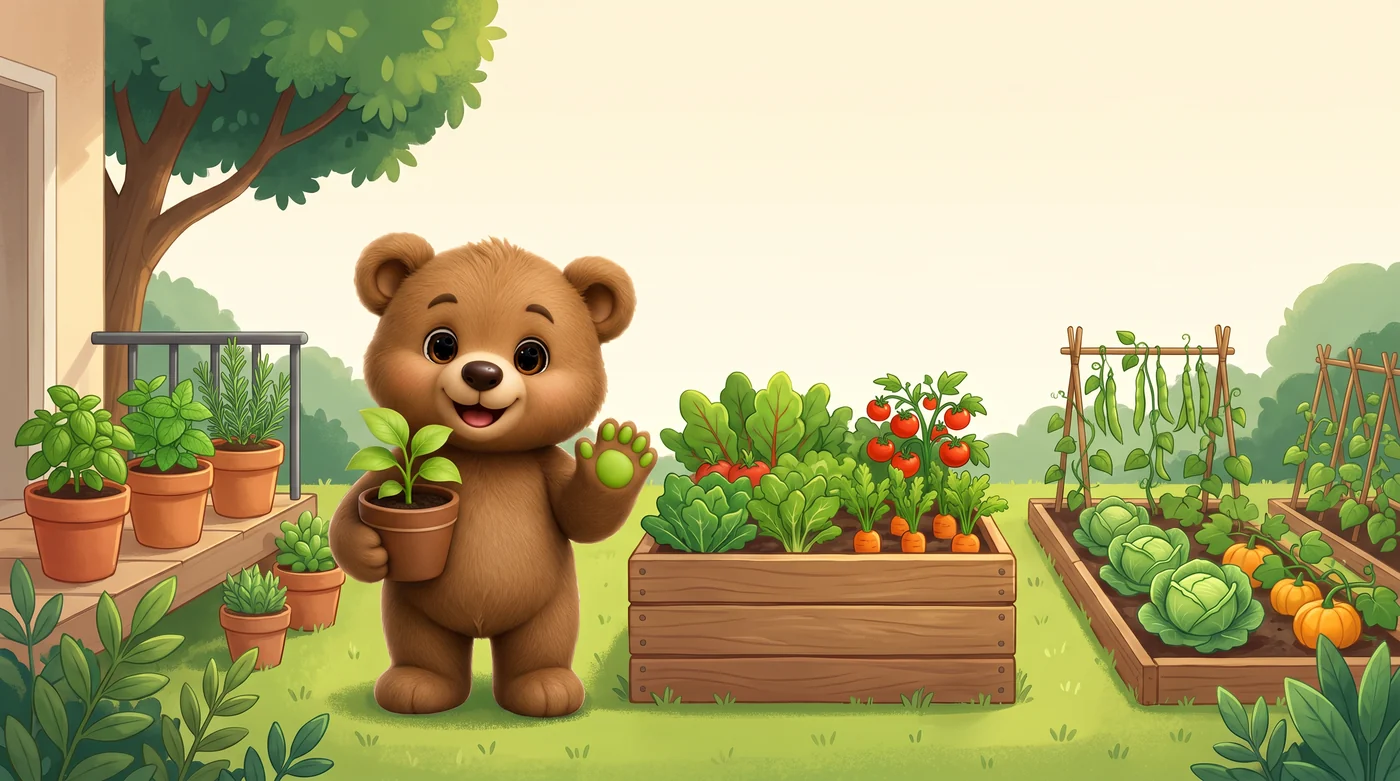
A shelf of herbs, a raised bed, a full allotment row. The app fits all three, because a garden is whatever you happen to have.
Every entry carries its sources. Where we couldn't verify a claim, the field is blank — not guessed.
Plan and remember
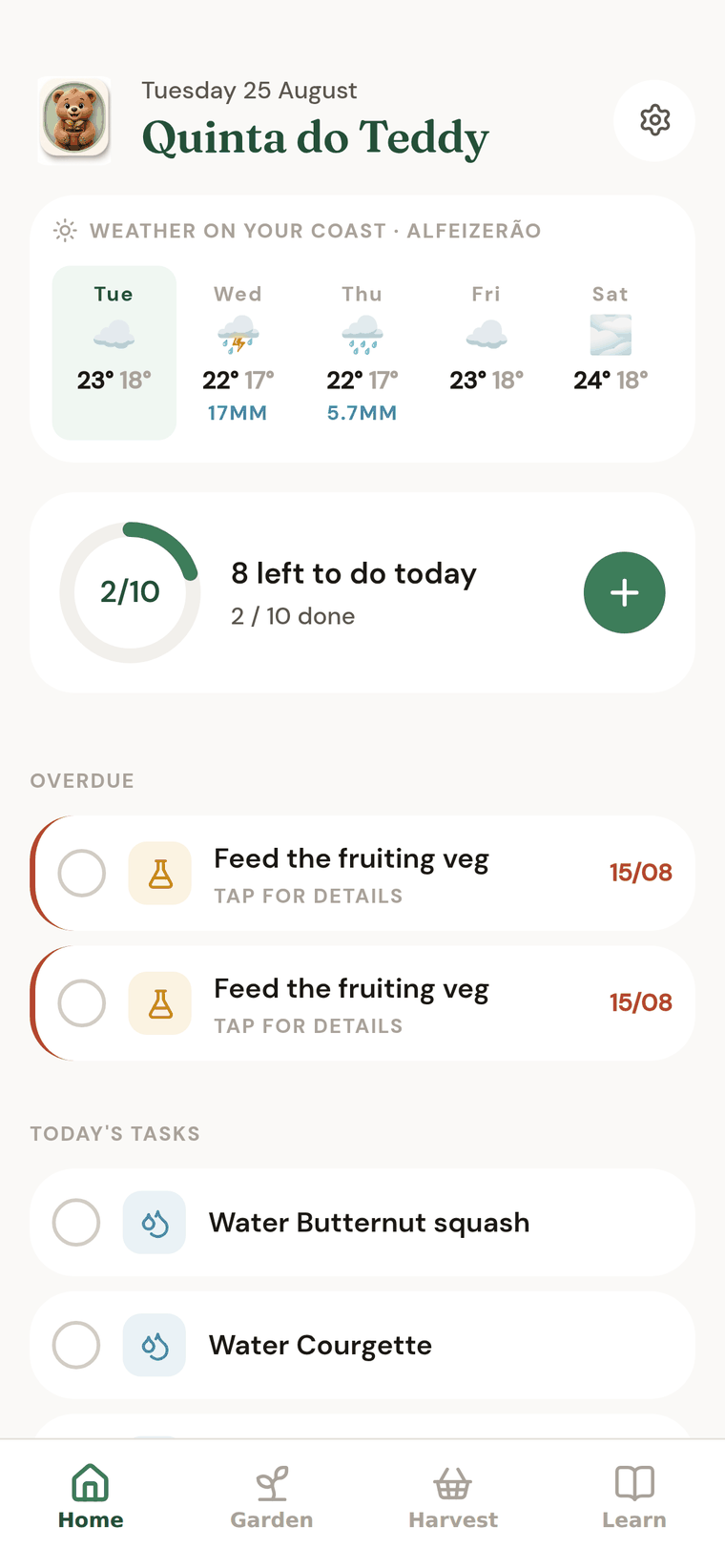
What went in, where, and when. Watering and jobs come back to you at the right time, instead of when you finally remember.

Find out what's wrong
Point the camera at a leaf that looks off. Four modes, one photo, an answer with confidence scores — and it says when it isn't sure.

Count what you grew
Log what you pick as you pick it. Over a season you learn what the garden actually feeds you, not what you hoped it would.
It started as one garden's notebook
TeddyGreenFingers began on the coast at Alfeizerão, as a way for one household to stop forgetting its own garden. When did the leeks go in? Which bed had the tomatoes last summer? Was that mildew on the courgettes last year, or the year before? Every garden runs on memory, and paper notebooks get wet.
So we built the notebook that remembers by itself — and drew a hard line: no advertising, no tracking, and no trading the garden away. Nothing you record is sold, profiled or shown to an analytics company. Teddy is the bear who does the remembering; when the day's list is done, he has a sit down.
The other thing we refused to ship is confident nonsense. Garden apps are famous for it — invented sowing dates, miracle cures, edibility guesses. Ours cites its sources, marks its estimates, and leaves a blank rather than bluffing. That cost us months. It was worth it.
Beds, pots and rows — and what's in them
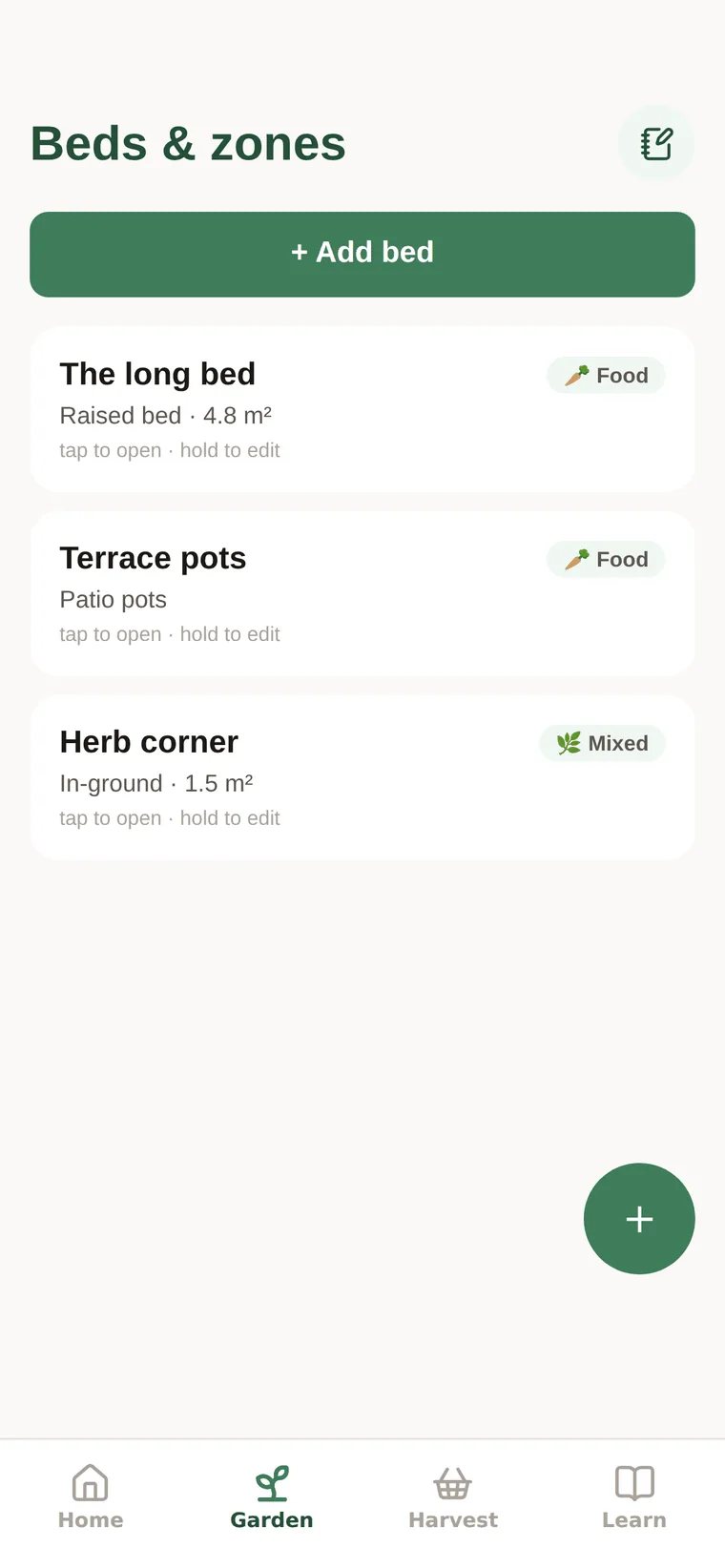
Lay the garden out the way it actually is: the long bed, the terrace pots, the herb corner. Each one knows its size, its soil and its purpose, and holds everything growing in it.
Plan a bed square by square, or just keep the list — both work.
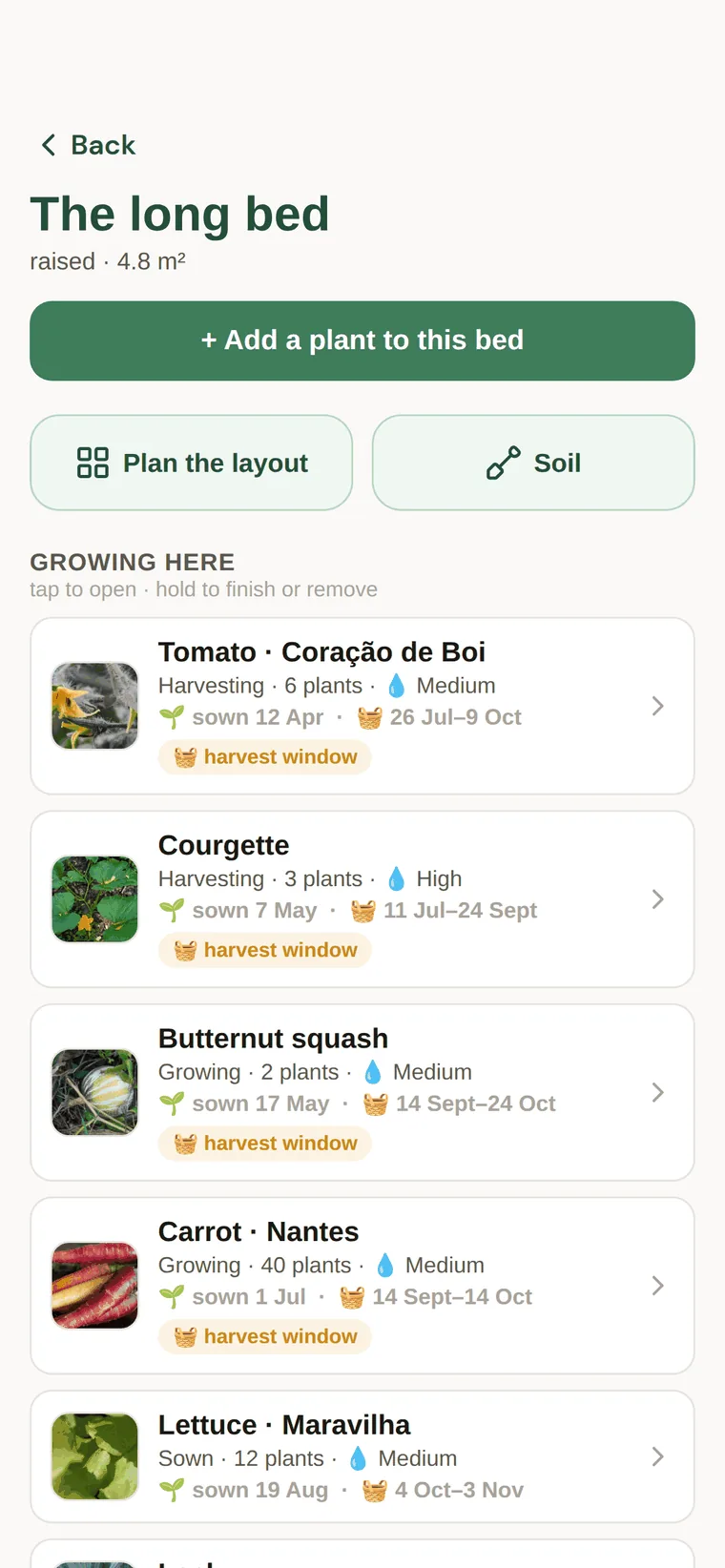
Six plantings, one glance
Every planting carries its story: sown on the 12th of April, harvesting since July, six plants, medium water. The app works out each harvest window from sourced maturity figures and your own dates — and tells you when a bed is inside one.
Tap any plant to fall through to its full library page.
Picked today, counted tonight
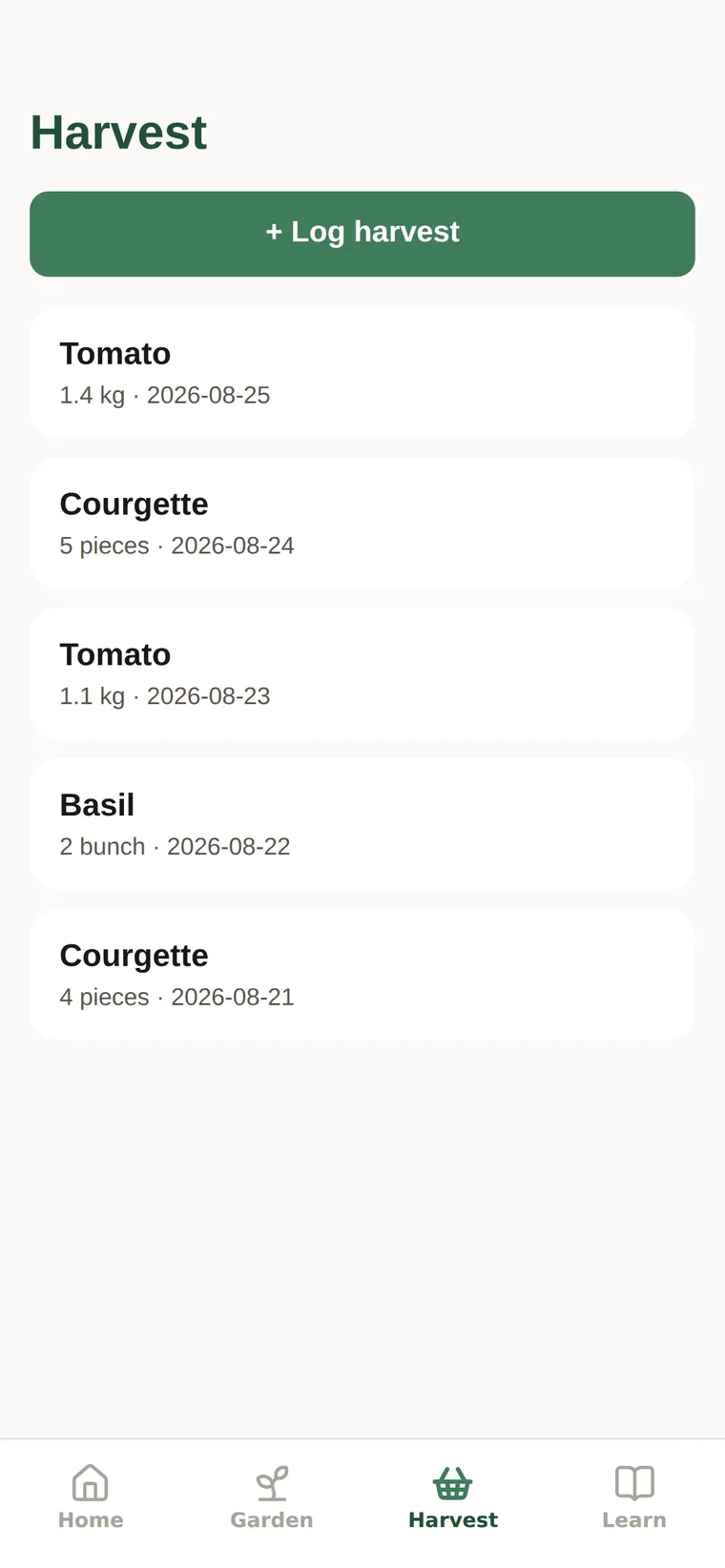
Log what you pick the moment you pick it — 1.4 kg of tomatoes, five courgettes, two bunches of basil — and it adds itself to the pantry. Over a season you learn what the garden actually feeds you, not what you hoped it would.
A reference that tells the truth
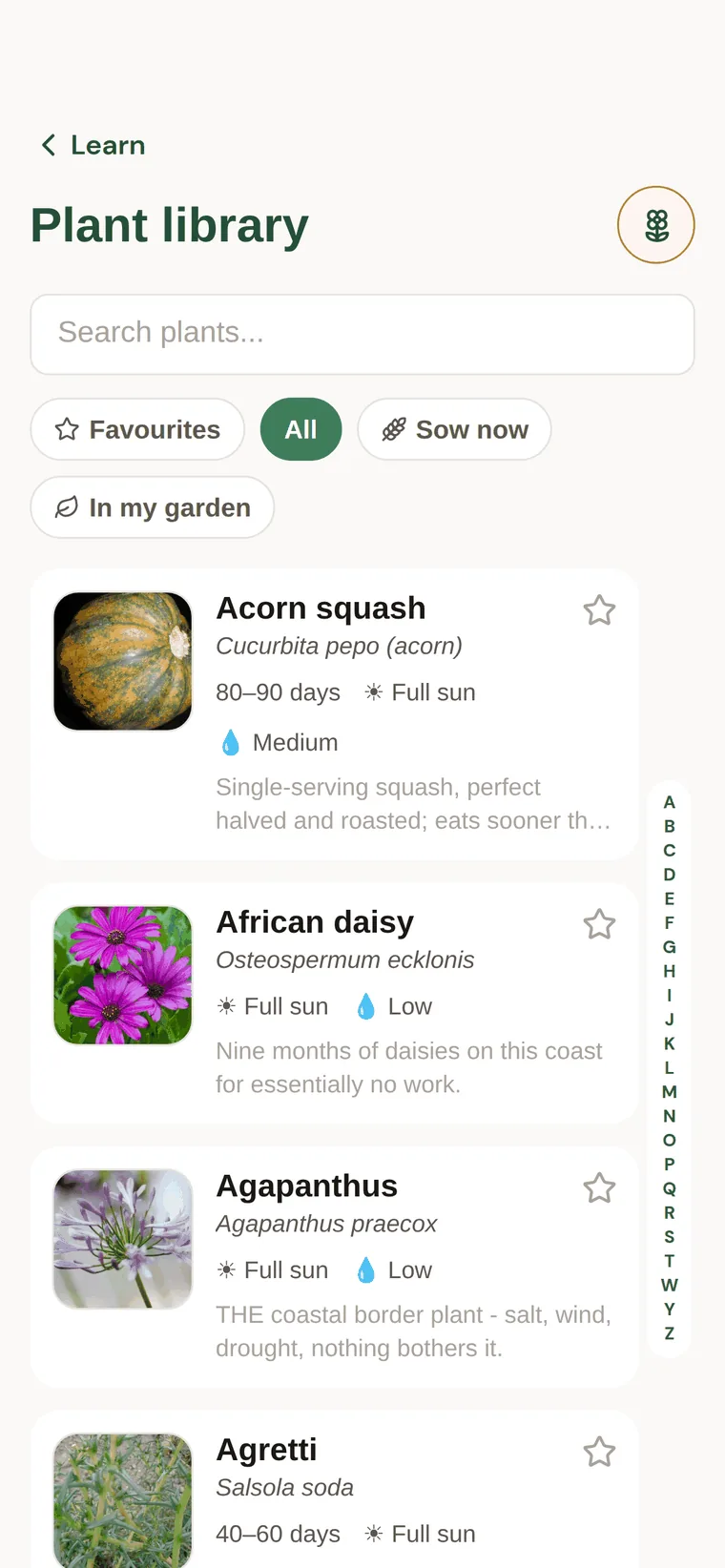
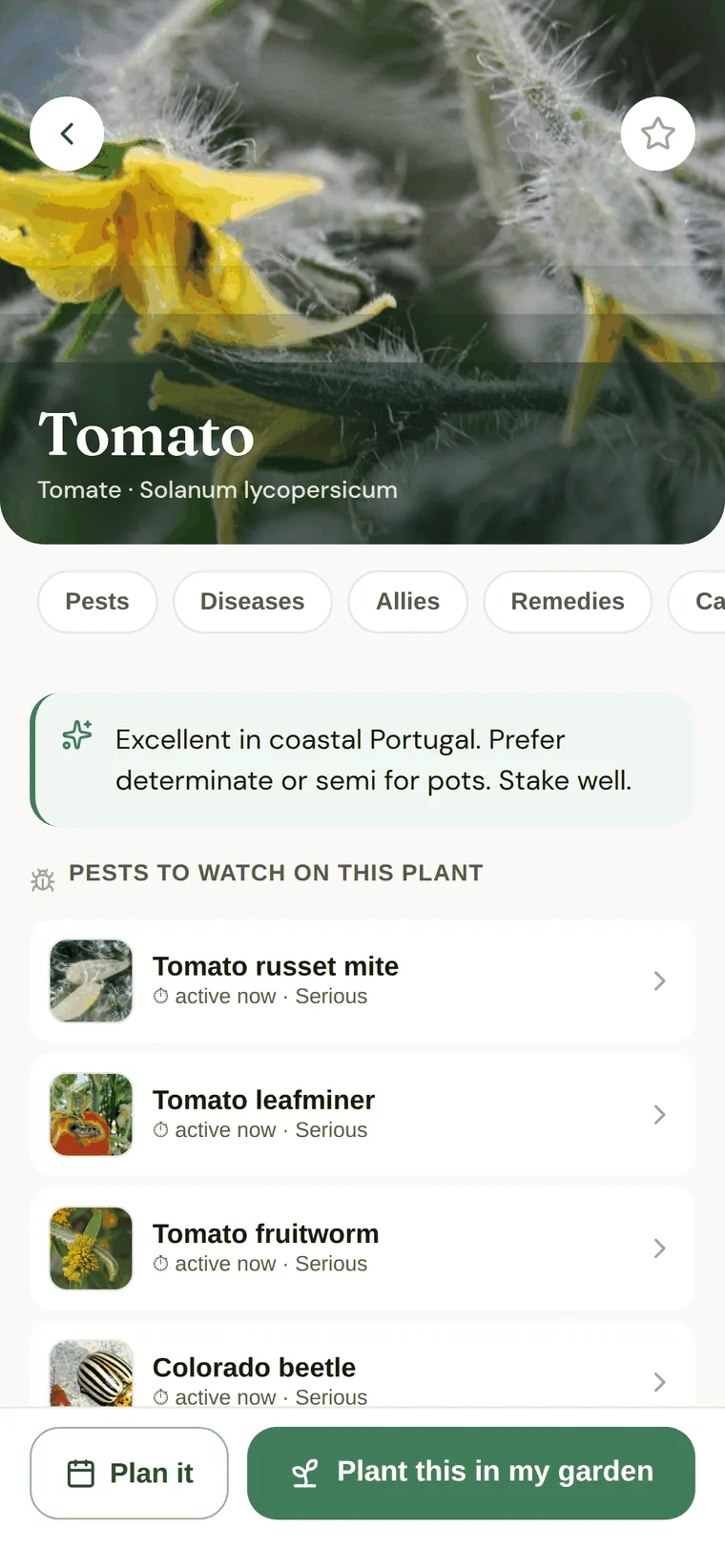
253 plants in the app, each with its pests, diseases, allies, remedies, companions and a seed-to-plate timeline. The public library is the same catalogue, readable in a browser — plants, pests, diseases, allies and organic remedies. The whole library also works in the app with no signal at all.
Sowing and harvest windows are calibrated for the Atlantic coast today. Everything else — the plants, the pests, the diseases, the remedies, the identification — applies wherever you garden.
Every threat link was checked against horticultural authorities — the RHS, university extension services — and three that didn't survive checking were removed rather than kept.
Point the camera at the problem
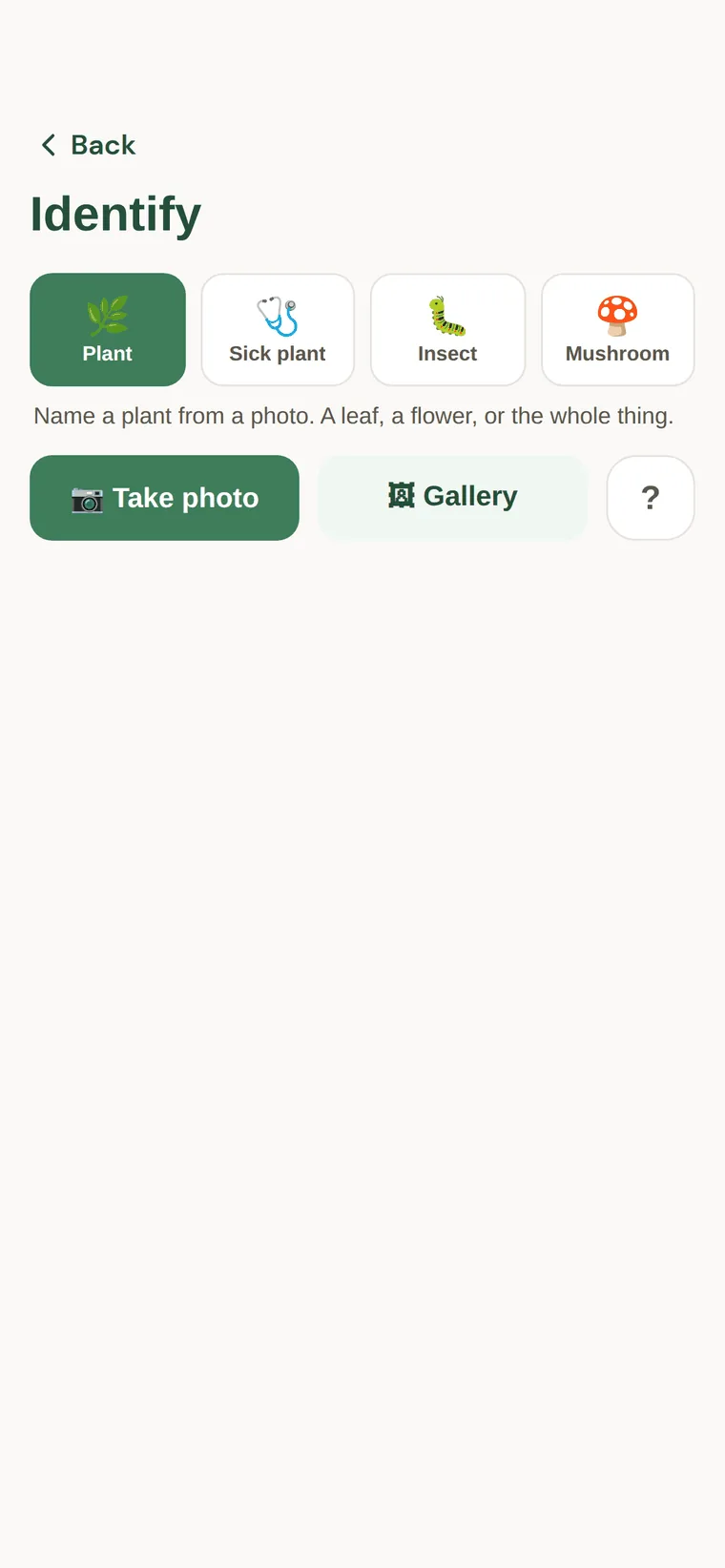
A plant you don't recognise, a leaf that looks wrong, an insect you've never seen, a mushroom by the compost. Four modes, one photo, an answer with confidence scores — powered by a specialist identification service, never stored by us.
“NEVER eat any mushroom based on an app identification. Mistakes are potentially fatal.”
That warning is in the app, on the mushroom mode, before the photo. An identifier that pretends it can't be wrong is dangerous; ours doesn't pretend.
If we couldn't verify it, it isn't in the app
Sourced, or silent
Every pest, disease and remedy entry carries the sources it was checked against. When a claim couldn't be verified, we removed the claim — not the standard.
It says when it's guessing
Estimated dates are marked approx. and drawn muted. A confident date the app invented would be worse than no date, so it never invents one.
Blanks over bluffs
Where a figure has no source — a germination window, a yield — the field is empty. An empty field is information too: it tells you we didn't know.
Private by construction, not by promise
- Photos are private. Garden photos are often photos of a home, so they live in private storage and open through links that expire after an hour — only for people in your household.
- No location permission. You choose a town from a list; the app never reads where you are.
- Delete means delete. Export everything or erase everything from Settings, no approval needed — and the privacy notice is honest about the few days your data spends in encrypted backups afterwards.
Three companies receive anything at all — Supabase, Kindwise, Open-Meteo — and the notice says exactly what each one gets. All three process it in the EU.
Garden journal, planner, identifier
Is it a garden journal app?
Yes. Beds, pots and rows keep what went in, when, and what you picked. Watering and jobs come back in the morning list. Read what a journal should remember.
Is it a vegetable garden planner?
Plan square by square or keep a list. Harvest windows use sourced maturity figures plus your dates. Start with the planner note, the Portugal calendar or what to plant in September.
Does the camera identify plants?
Four modes, one photo, confidence scores. It says when it is not sure. Never eat a mushroom on an app result. How identification works.
Try it on your own garden
TeddyGreenFingers is free and in open testing on Android — the Play Store and App Store listings come after. It began as one family's notebook on the Portuguese coast, and it is built for anyone with something growing: a windowsill of herbs, a courtyard of pots, or half an acre. Install it, use it for a few weeks, and tell us what is confusing, broken or missing.